Acute Calculator alternate icons
By Emirhan Ugurlu · App icons · February 2024
Visual analysis
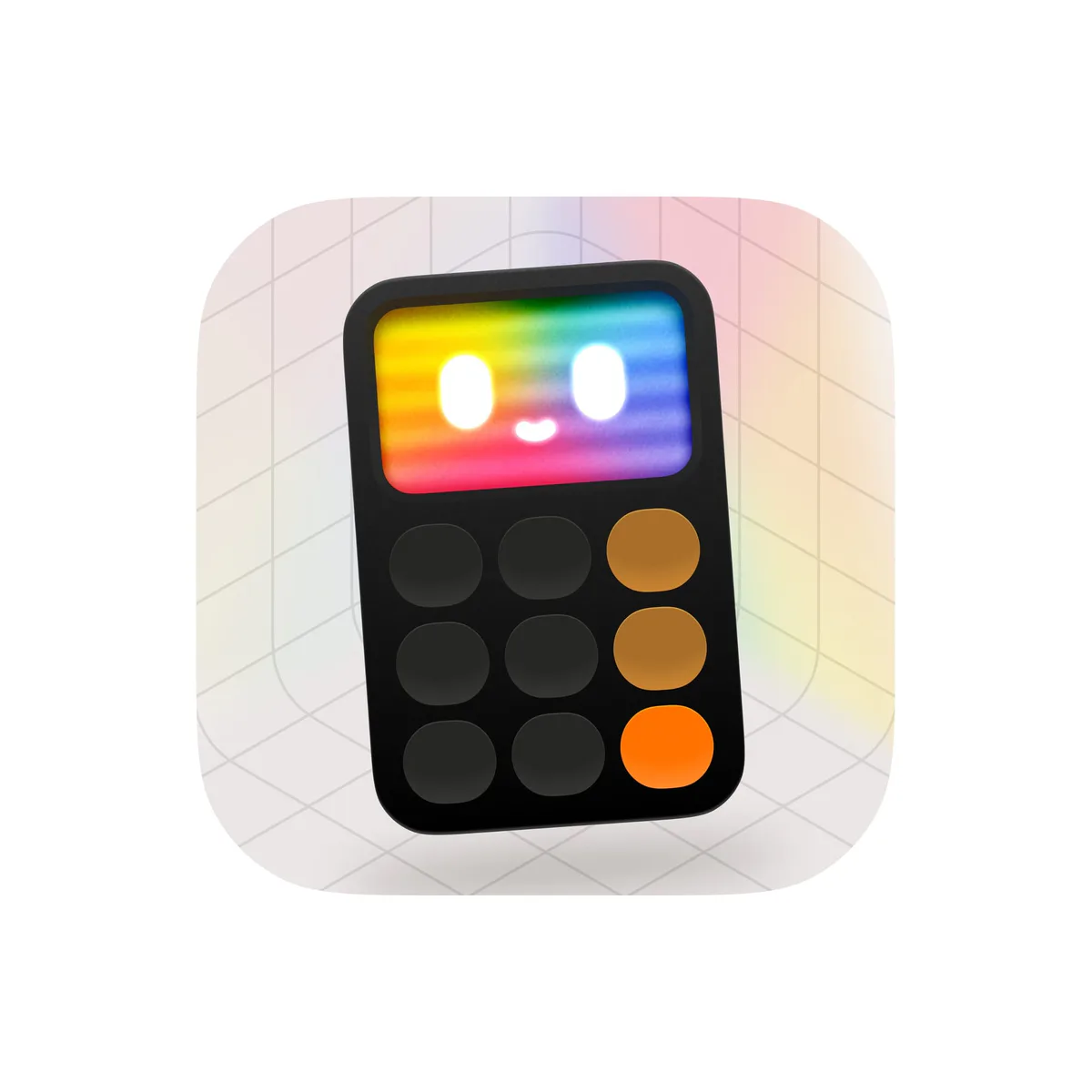
A calculator with a smiling rainbow screen, turning a dull tool into a friendly companion. Emirhan Ugurlu keeps the familiar calculator, a black body with grey keys and orange operation keys like the one on every phone, then gives its screen a face. Two glowing eyes and a tiny smile sit on a rainbow display with soft scan lines, like an old screen lit from inside. The calculator is slightly tilted and floats over a pale grid, so it feels alive rather than placed. The message is clear: numbers, but without stress. Only one of the alternate icons is shown here.
Image description
One app icon in a rounded square, on a white background. The icon background is off-white with a thin perspective grid and soft rainbow light. In the center, a tilted black calculator with a rainbow gradient screen showing a cute face with two glowing white eyes and a small smile, with horizontal scan lines. Below, nine round keys: six dark grey keys and three orange and brown keys in the right column. A soft shadow sits under the calculator. Style: 3D app icon, iOS alternate icon, glossy, cute character, rainbow gradient.
An alternate app icon for a calculator app: a tilted black calculator with a rainbow gradient display showing a glowing smiling face, three rows of dark keys and an orange and amber operator column, on a pale pastel tile with a faint perspective grid. The calculator is drawn with soft gradients and shadows. The glowing screen is the focal point and adds personality to a utility. At small sizes the blurred display may lose its face, but the black silhouette and orange keys stay recognisable.
Style: illustrative, no stroke (rendered shapes with gradients and soft shadows), rounded superellipse for the container, rounded rectangles for keys, faint perspective grid visible behind the calculator on the app icon tile.
What works
- A black calculator body with a rainbow display provides strong contrast and a single colorful focal point.
- Orange and amber keys follow the familiar calculator hierarchy of numbers versus operators.
- The smiling face on the display gives a distinctive character while keeping the object recognisable.
What to watch
- The blurred rainbow display with scan lines may become muddy at the small 29px to 60px sizes.
- The pale tile with a faint grid has low contrast against a white background.
Works best for: iOS or macOS app icon, calculator or utility app store listing, alternate app icon gallery.
Featured in 100 best icon projects – February 2024 on the Streamline blog. See the original project.