Firefox Icon System
By Carlotta Govi · Interface icons · August 2025
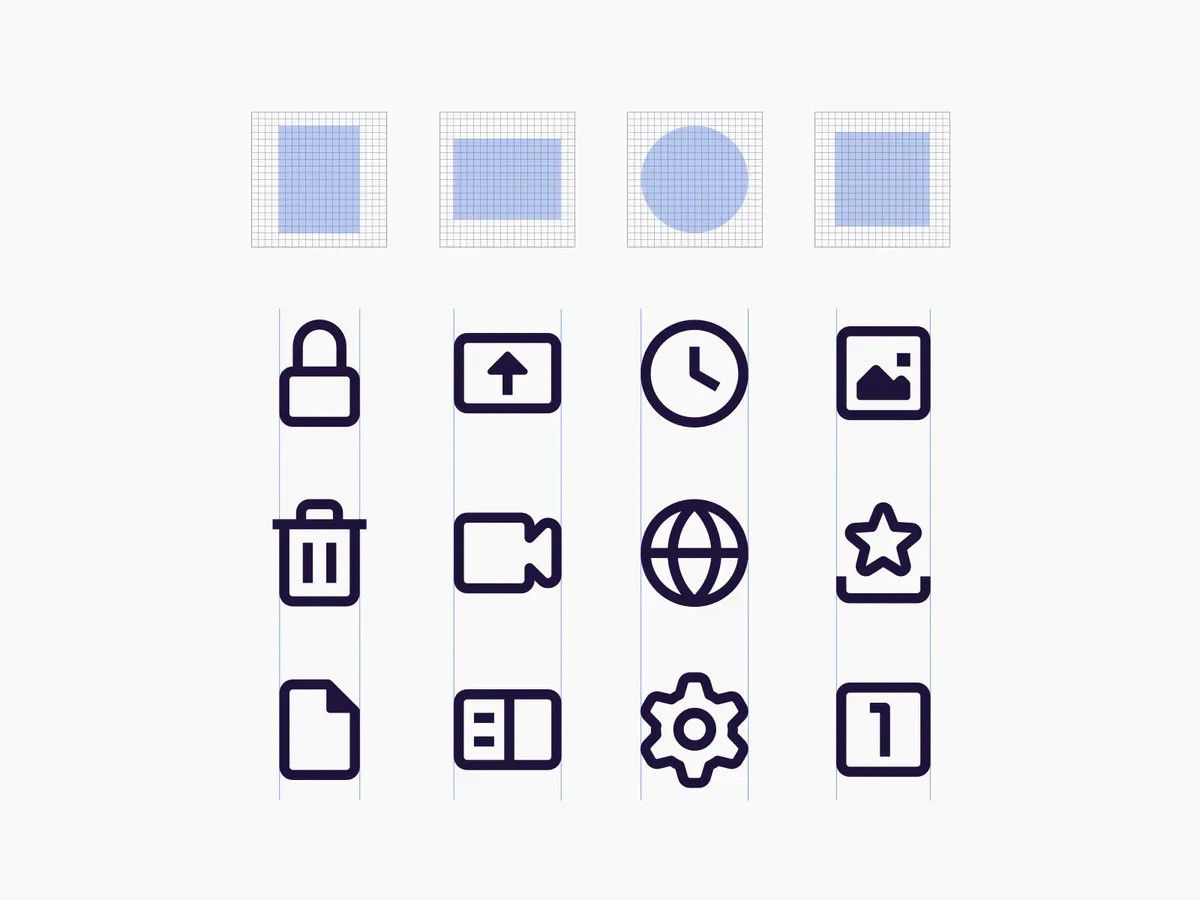
Show the rulers, and the icons make sense. Keyline templates for portrait, landscape, circle and square sit above a lock, a clock, a globe and a gear. A 3 px indigo line with rounded caps keeps the weight identical everywhere, and seeing the rules makes the system easy to trust. That thick line leaves little room inside.
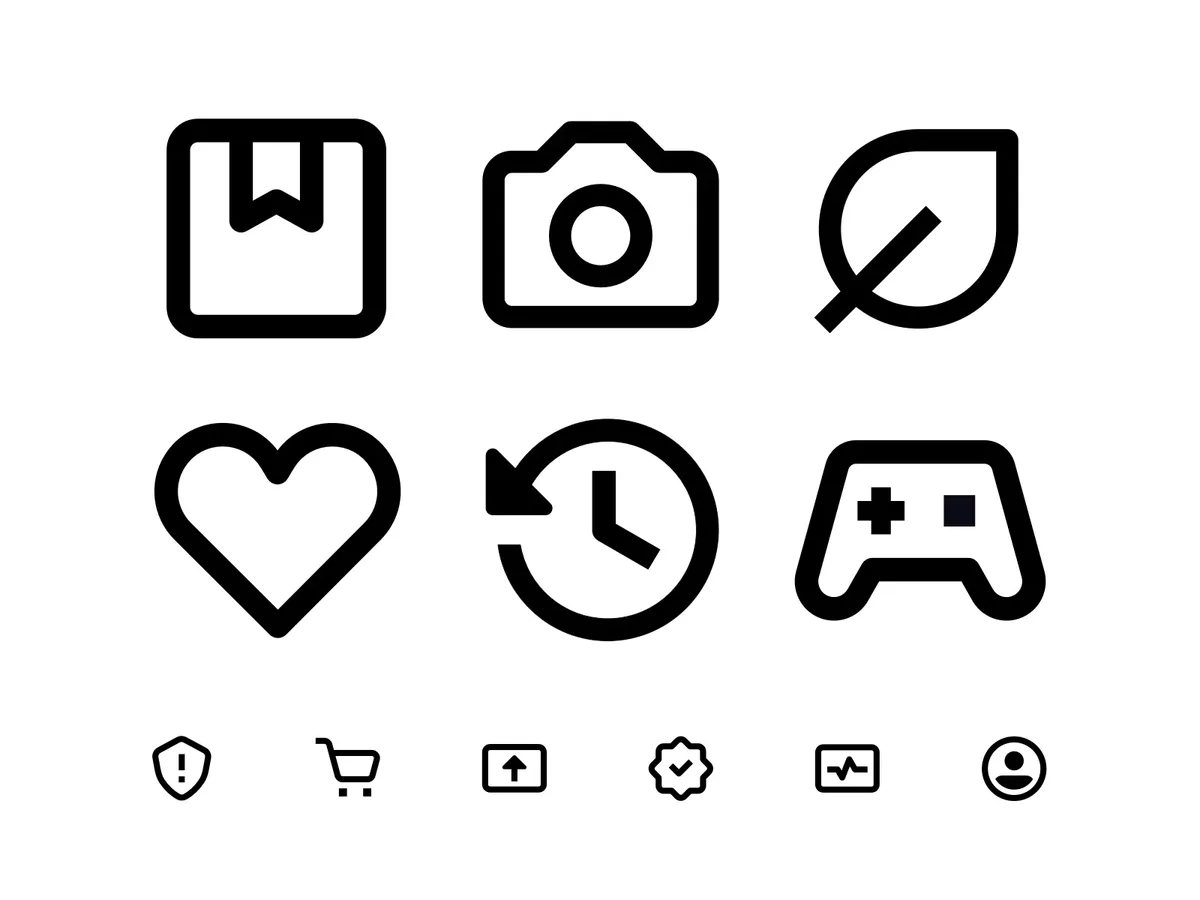
Part of a browser icon library, shown with its keyline templates for portrait, landscape, circle and square shapes. Below them are twelve icons: lock, upload screen, clock, image, trash, video, globe, star tray, document, sidebar, gear and a numbered tile. They use a uniform dark indigo outline with rounded caps and corners, and the live area shapes ensure similar optical size across different proportions. The set is clean and systematic, though its familiar drawings offer limited brand character.
Style: line, 3px dark indigo stroke, round joins, rounded caps, rounded 2-4px, fine grid with live area shapes: portrait, landscape, circle, square.
What works
- The keyline shapes (portrait, landscape, circle, square) make sizing rules visible.
- Stroke and radii are consistent in every icon.
- Metaphors such as the gear and globe are standard, which helps users recognize them quickly.
What to watch
- Heavy stroke leaves little room for interior details.
- The set looks like many other UI libraries, so brand identity is limited.
Works best for: browser UI, design system documentation, cross-platform apps.
Featured in Icon Design Spotlight (August 2025) on the Streamline blog. See the original project.
More by Carlotta Govi
- Firefox Icon System V1.0 by Carlotta Govi
- Sneak peek of the new Firefox icon system by Carlotta Govi
- A preview of the new Firefox icon system by Carlotta Govi
- Amazon OIC Icon System by Carlotta Govi