Klever Wallet - icons (DS3)
By Fabio Freire · 3D icons · May 2026
Visual analysis
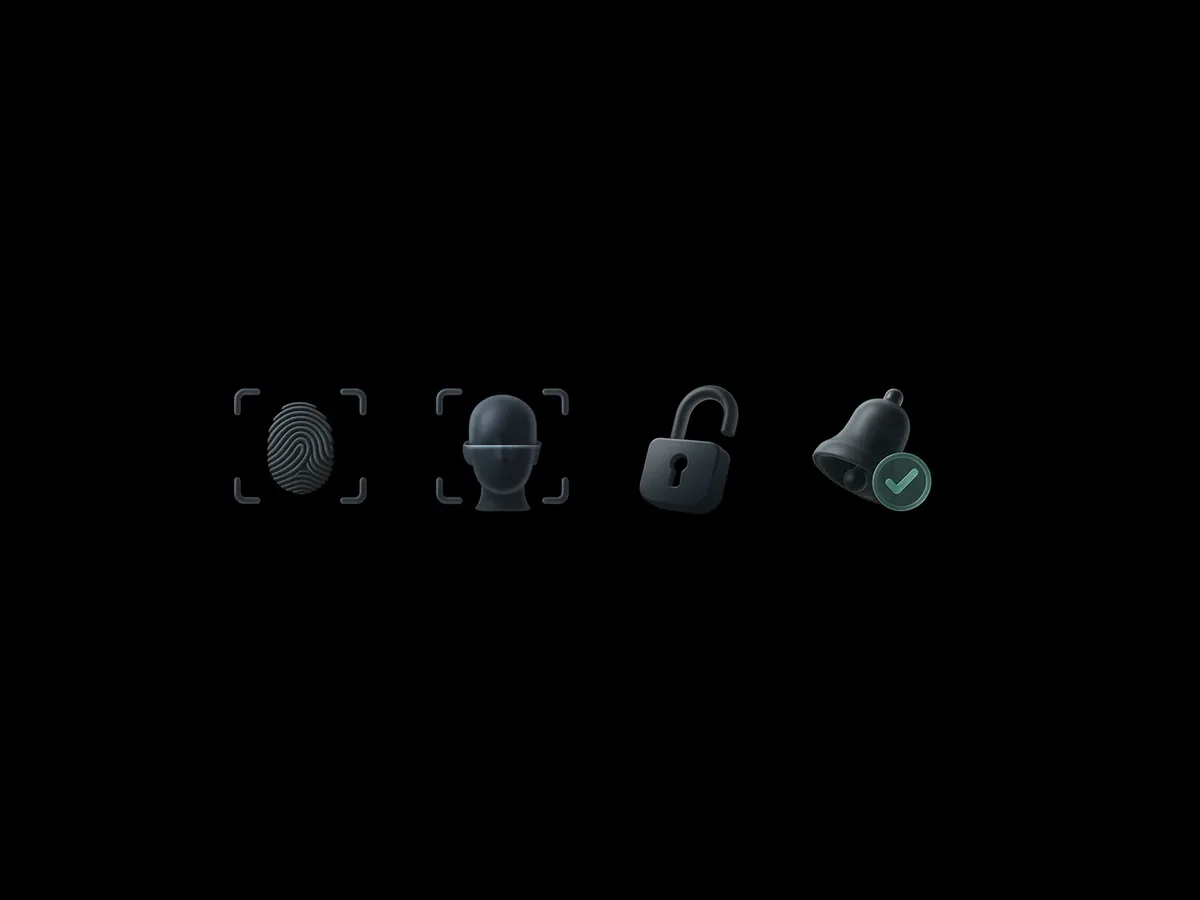
Calm, solid dark 3D icons that make security steps in Klever Wallet feel trustworthy. Fabio Freire renders the security steps, a fingerprint, a face scan, in a soft, dark slate material, close to the black screens. Only the green check on the bell adds color, marking the one positive state. The face is a smooth, featureless head with a band of light across the eyes, a gentle way to show scanning. The choice is about reassurance: for a wallet holding tokens, heavy, quiet objects feel like a safe, never like a toy. On black, the low contrast needs large sizes.
Image description
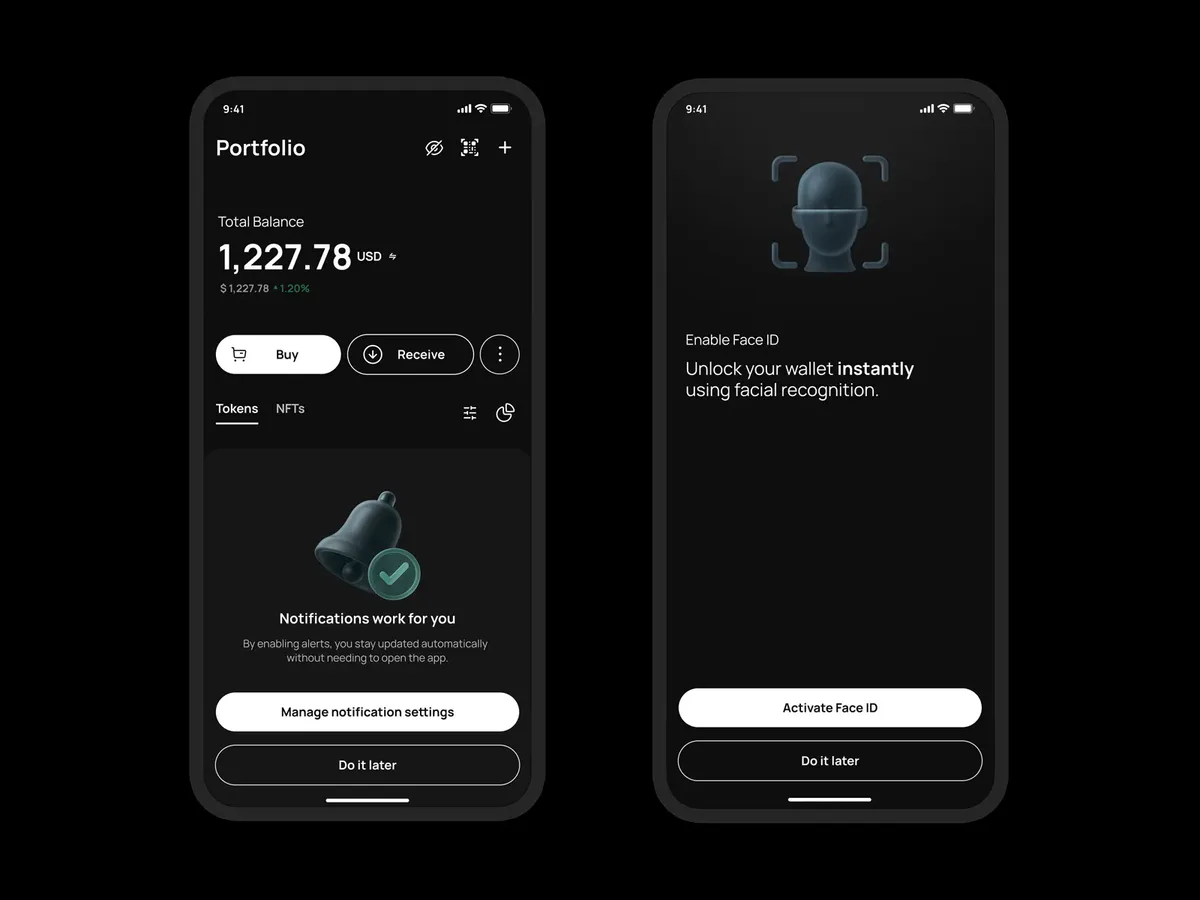
Two images. Four 3D icons in a row on a black background: a fingerprint inside scan corners, a featureless head with a light band across the eyes inside scan corners, an open padlock with a keyhole, a bell with a green check badge. All in matte dark slate grey. Two dark phone screens of the Klever Wallet app: "Portfolio" with "Total Balance 1,227.78 USD", "Buy" and "Receive" buttons, "Tokens" and "NFTs" tabs, the bell icon with "Notifications work for you" and a "Manage notification settings" button; and "Enable Face ID" with the head icon, "Unlock your wallet instantly using facial recognition" and an "Activate Face ID" button. Style: 3D icons, dark mode, matte monochrome, crypto wallet app, security.
Four dark 3D icons for a crypto wallet: fingerprint scan, face scan, an open padlock and a notification bell with a green check badge. They are rendered as matte charcoal volumes with soft bevels and subtle highlights on a black background, with scan brackets around the biometric icons. The only color is the teal-green check, which makes the status accent stand out. The tonal restraint suits security screens, but the low contrast limits use at small sizes.
Style: 3d, no stroke, rendered 3D forms, soft, rounded and beveled, not visible, four icons in a row with large empty space.
What works
- Matte dark materials with soft highlights give a premium, restrained look on black
- The green check badge on the bell is the only color accent, so status reads instantly
- Corner brackets frame the biometric icons and add a clear scanning metaphor
- Consistent lighting and bevel depth unify the four objects
What to watch
- Low-contrast dark grey on black will be hard to read at small size or on low-brightness screens
- Rendered detail like the fingerprint ridges would disappear below 48px
Works best for: security app onboarding, fintech wallet authentication screens, dark mode feature illustration.
Featured in Icon Design Spotlight #028 (May 2026) on the Streamline blog. See the original project.