Pixel icons
By Franck Helaine · Interface icons · February 2024
Visual analysis
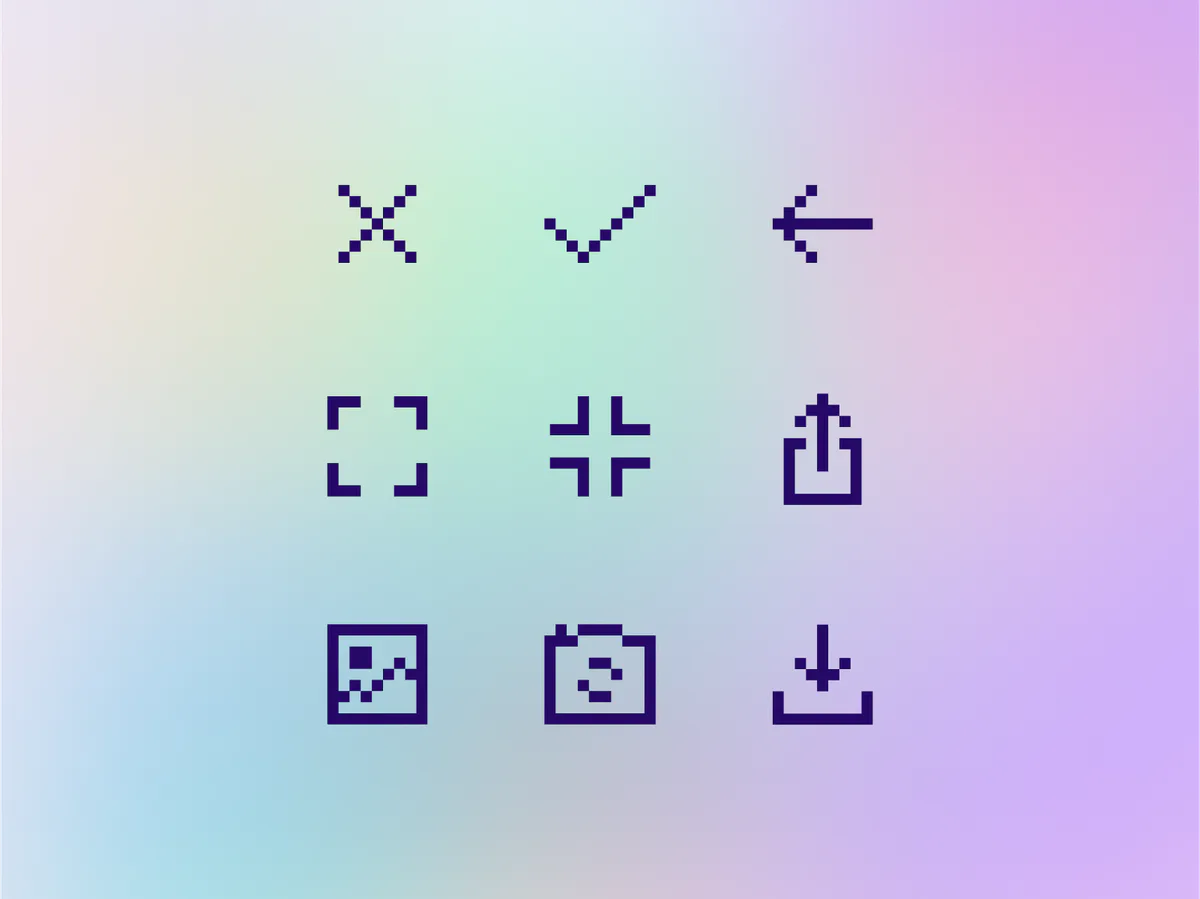
Crisp pixel controls floating on a dreamy pastel haze, where retro meets soft. Franck Helaine draws essential controls such as close, check, back, fullscreen and download with single-pixel steps in deep violet. Taken alone, they would recall an early computer screen. The surprise comes from the background, a blurred iridescent wash of mint, pink and lilac that belongs to today's glossy interfaces. Hard square pixels against that soft light make the set feel gentle and contemporary instead of nostalgic. The strict pixel grid also keeps the shapes sharp, which is exactly what small controls need.
Image description
One image of nine pixel icons in a 3 by 3 grid on a soft blurred gradient background of mint green, pale blue, pink and lilac. Dark violet pixel line icons. Subjects: close X, check mark, left arrow, enter fullscreen corners, exit fullscreen corners, share or upload box with an up arrow, image with a mountain and sun, camera with rotate arrows, download with a down arrow into a tray. Style: pixel art UI icons, 8-bit line icons, iridescent pastel gradient background.
Nine pixel-art interface icons: close, check, back arrow, expand, collapse, upload, image, camera flip and download. They are built from square blocks in dark indigo, with diagonal steps of one pixel on a soft pastel gradient mesh. The same block size and grid keep the family unified, and indigo on pastel gives strong contrast. At small non-integer scales the pixels could blur, and the image and camera icons are near the limit of detail.
Style: pixel, blocky pixel outline, solid dark indigo, sharp, orthogonal, with a few diagonals, visible pixel grid, about 9 to 12 pixels wide.
What works
- Hard pixel edges contrast with a soft gradient background for visual interest
- Consistent pixel size keeps all icons on a shared grid
- Diagonals in check, close and arrow are built with one-pixel steps and remain smooth
- Dark indigo on pastel has high contrast
What to watch
- Pixel icons at small scale can look jagged if not at integer multiples
- Fine inner details (image and camera) are barely resolved
Works best for: retro UI controls, media viewer toolbars, web apps with pixel-art branding.
Featured in 100 best icon projects – February 2024 on the Streamline blog. See the original project.