Samsung Smart Things 3D icons
By WOOT Creative · 3D icons · December 2024
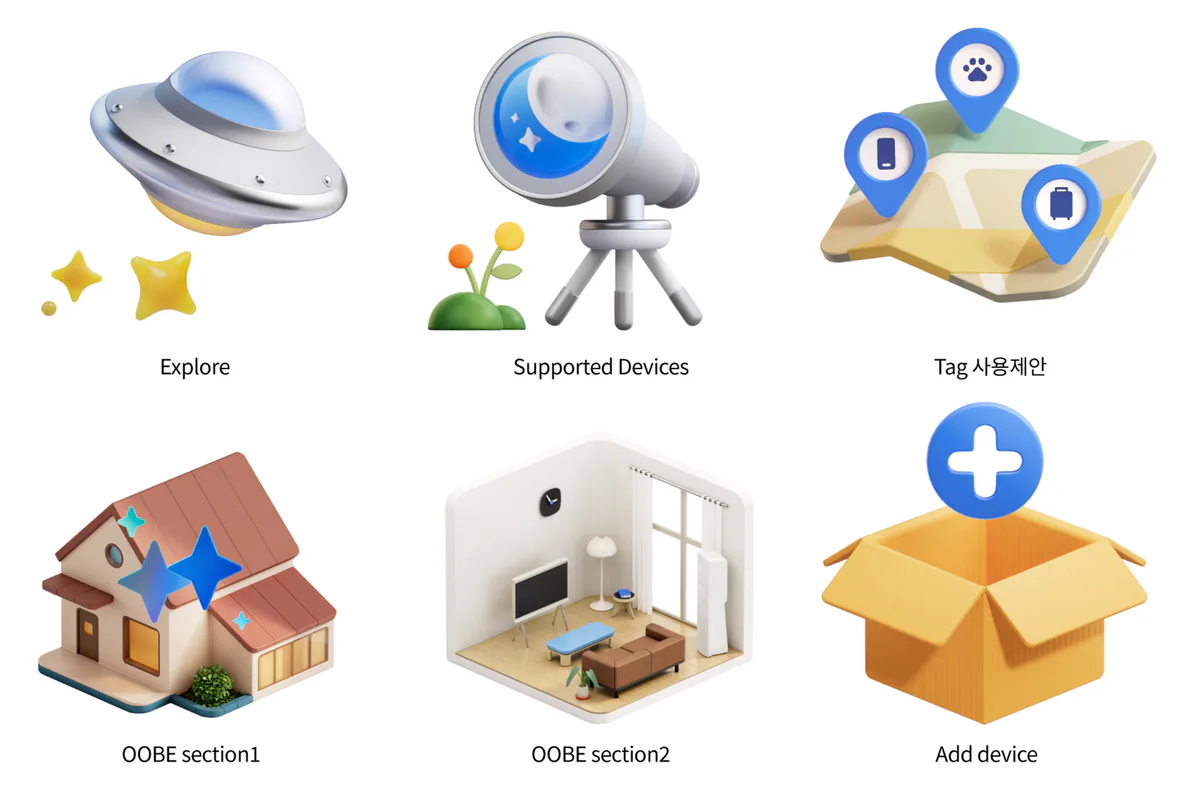
Six smart-home screens, each with a small 3D object to explain it. For Samsung SmartThings: a flying saucer for explore, a telescope for supported devices and an isometric room, with soft bevels, glossy and matte materials, one blue accent and the same lighting. They are great for onboarding, but far too heavy for small icon slots.
Six 3D illustrations for a smart home app, each labeled with its screen: a flying saucer for explore, a telescope for supported devices, a map with location pins, a house, an isometric room and a box with a plus for adding devices. They are rendered with soft bevels, glossy and matte materials and a consistent blue accent on white. The lighting is shared across the set. Rendered detail suits onboarding and hero use, not small icon sizes.
Style: 3d, no stroke (rendered volumes), soft rounded bevels, not visible, 3x2 grid with captions.
What works
- Rendered materials (brushed metal saucer, ceramic telescope, cardboard box) feel tangible and are lit consistently.
- Samsung-style blue accents recur in every icon, unifying objects of different scale.
- Each scene maps to one app step (Explore, Add device), which makes onboarding clear.
What to watch
- Heavy rendering means files are large and not suited to small UI sizes.
- Isometric room and tilted objects use different camera angles, so alignment varies.
Works best for: smart home app onboarding, device setup screens, marketing hero illustrations.
Featured in Icon Design Spotlight (November 2024) on the Streamline blog. See the original project.