UI icons
By Aryana Shakibaei ✦ · Interface icons · November 2024
Visual analysis
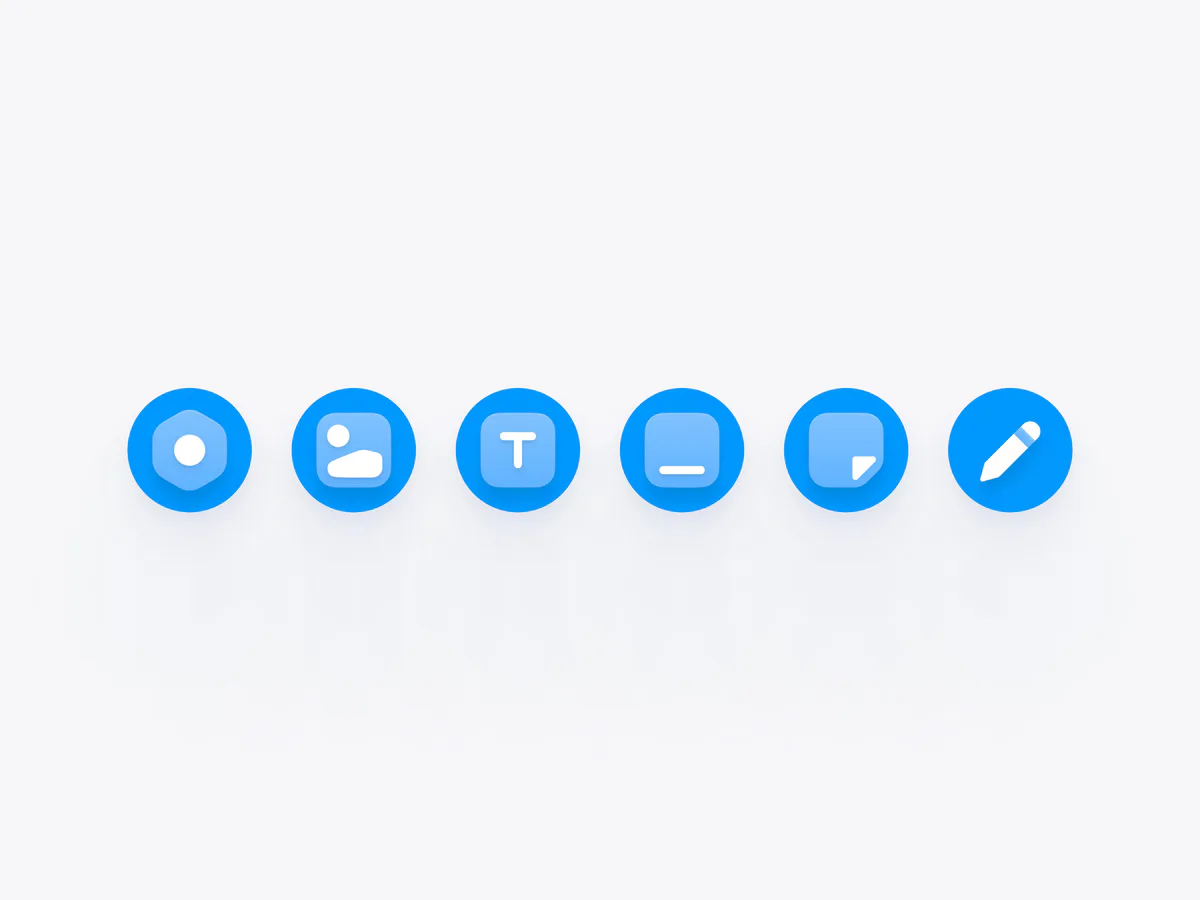
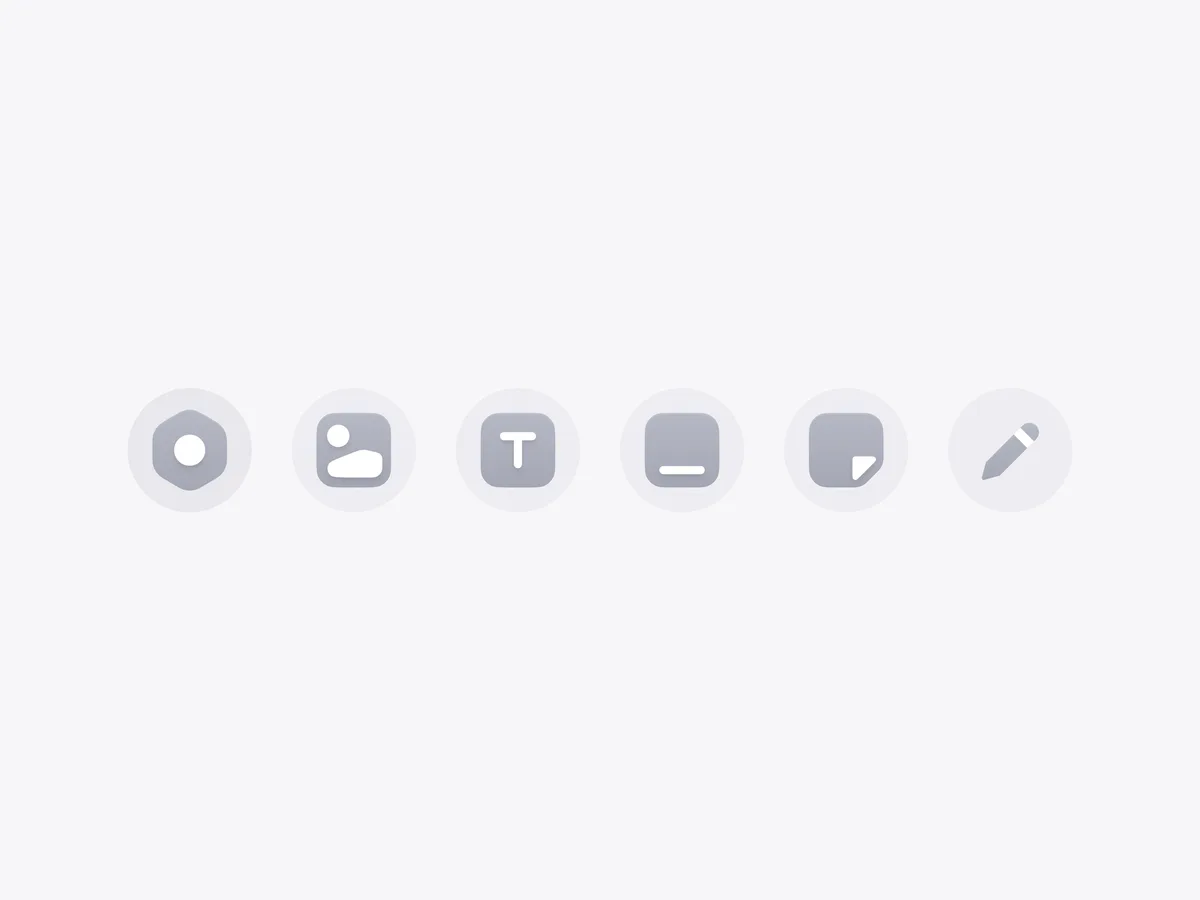
Squishy, tactile toolbar buttons that switch between a bright active blue and a quiet grey. Aryana Shakibaei builds each tool as a soft rounded square sitting inside a round button, with white symbols on top. The shapes look pressed and slightly puffy, like silicone keys, which makes a toolbar seem touchable rather than flat. The two images show the same six buttons in two moods: vivid blue when selected, muted grey when idle. That pairing is the real design work, a clear on and off state built from color alone. The image, text, note and pen tools suggest a canvas or note editor.
Image description
Two images of the same row of six round buttons on a light grey background. In the first, the buttons are bright blue with lighter blue rounded squares and white symbols. In the second, they are pale grey with mid grey rounded squares and white symbols. Subjects: settings shape with a dot, image with a sun and hill, text tool with a letter "T", frame with a line at the bottom, sticky note with a folded corner, pencil. Soft shadows under the blue buttons. Style: rounded filled UI icons, toolbar buttons, active and inactive states, soft 3D, blue and grey.
Six circular tool buttons for an editor: record, image, text, caption bar, note and pencil. Each glyph is a white or light-blue filled shape inside a rounded inner tile on a saturated blue circle, with no outlines. A two-tone blue system adds depth, and a soft shadow lifts each button off the pale background. The rounded forms are friendly and consistent. The mid-blue tile on blue circle is low in contrast and would soften at very small sizes.
Style: glyph mixed, no stroke (filled shapes, two blue tones inside a circle), very rounded, squircle shapes, not visible, six icons of equal size on circular buttons.
What works
- Two blue tones plus white inside a saturated circle give subtle depth without outlines.
- Each glyph sits in a squircle inner tile, a repeated container that unifies tool types such as image, text, caption and note.
- Soft diffuse shadow under circles adds light elevation.
What to watch
- Subtle inner tile and low-contrast mid blue would lose clarity at 16px.
- Abstract glyphs (record hexagon, caption bar) need labels or tooltips.
Works best for: video or content editor toolbar, creative tool palette, mobile floating action buttons.
Featured in Best Icon Projects — October 2024 on the Streamline blog. See the original project.